Smart LED Bulbs: How They Work and What to Check Before Buying
Smart globes let you dim, change colour and schedule lights from your phone or voice. How the connection types differ, which features are worth having, and the wall switch problem nobody mentions.
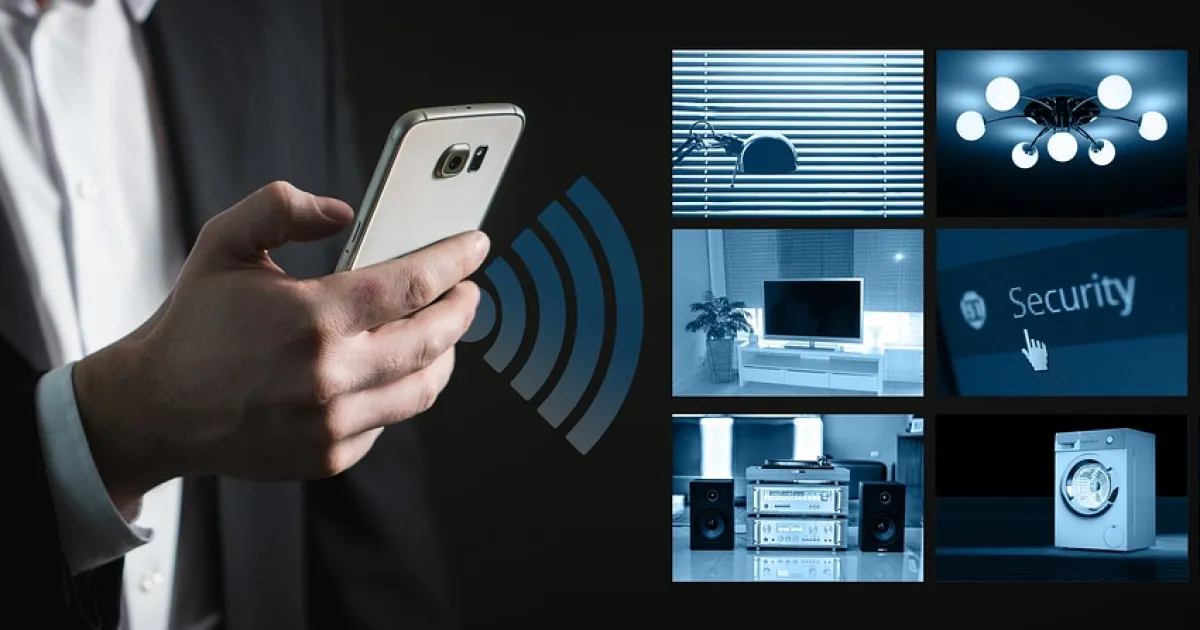
A smart LED bulb is a globe with a built-in radio that lets you control it from an app, a voice assistant or automations: on and off, dimming, warm-to-cool white and, in many models, full colour. Smart globes fit standard bases, so they are an easy way to add smart lighting without rewiring, which makes them popular with renters.
Connection types
| Type | How it works | Pros | Cons |
|---|---|---|---|
| Wi-Fi | Connects directly to your router | No hub needed | Many globes can crowd home Wi-Fi |
| Bluetooth | Phone talks to the globe directly | Simple setup | Limited range and remote control |
| Zigbee | Mesh network via a hub or bridge | Reliable, responsive, low power | Needs a hub |
| Matter (over Thread or Wi-Fi) | Newer cross-brand standard | Works across major ecosystems | Check compatibility of your existing devices |
Features worth having
- Tunable white: warm for evenings, neutral for working; see bedroom lighting for sleep-friendly settings.
- Dimming from the app or voice.
- Schedules and scenes: lights on at sunset, a "movie" scene in the lounge.
- Away mode that varies lights when you are out.
- Colour, mostly for fun and accent lighting.
The wall switch problem
If someone switches the light off at the wall, the smart globe loses power and cannot be controlled until it is switched back on. Solutions: leave the wall switch on and use a smart button or app, use switch guards, or consider a smart switch installed by an electrician instead of smart globes.
Dimmers
Do not put smart globes on a traditional dimmer switch: dim them through the app instead, with the wall dimmer at full. Mixing the two can cause flicker or damage.
Before you buy
- Check the base (B22, E27, GU10) and size; see light bulb types.
- Choose one ecosystem or a Matter-compatible range to keep the app count down.
- Check brightness in lumens; see lumens explained.
- Look for products sold for the Australian market with the RCM mark.
- Read the privacy policy of the app and update firmware regularly.
Questions
Do smart bulbs need a hub?
Wi-Fi and Bluetooth globes do not; Zigbee globes need a hub or bridge, and Matter over Thread needs a compatible border router.
Can I use smart bulbs with a dimmer switch?
Not with a traditional dimmer; leave it at full and dim through the app.
What happens if I turn off a smart bulb at the wall?
It loses power and cannot be controlled until switched back on.